Skip to content

No-code AI chatbot builder

Turn your website and documents into an AI chatbot.

Connect your website or upload PDF and DOCX documents. Chitibot answers your customers from your own content.

Start free
  • Free plan included
  • No credit card needed
  • Works on any website
  • Website
  • PDF
  • DOCX
Chitibot AI
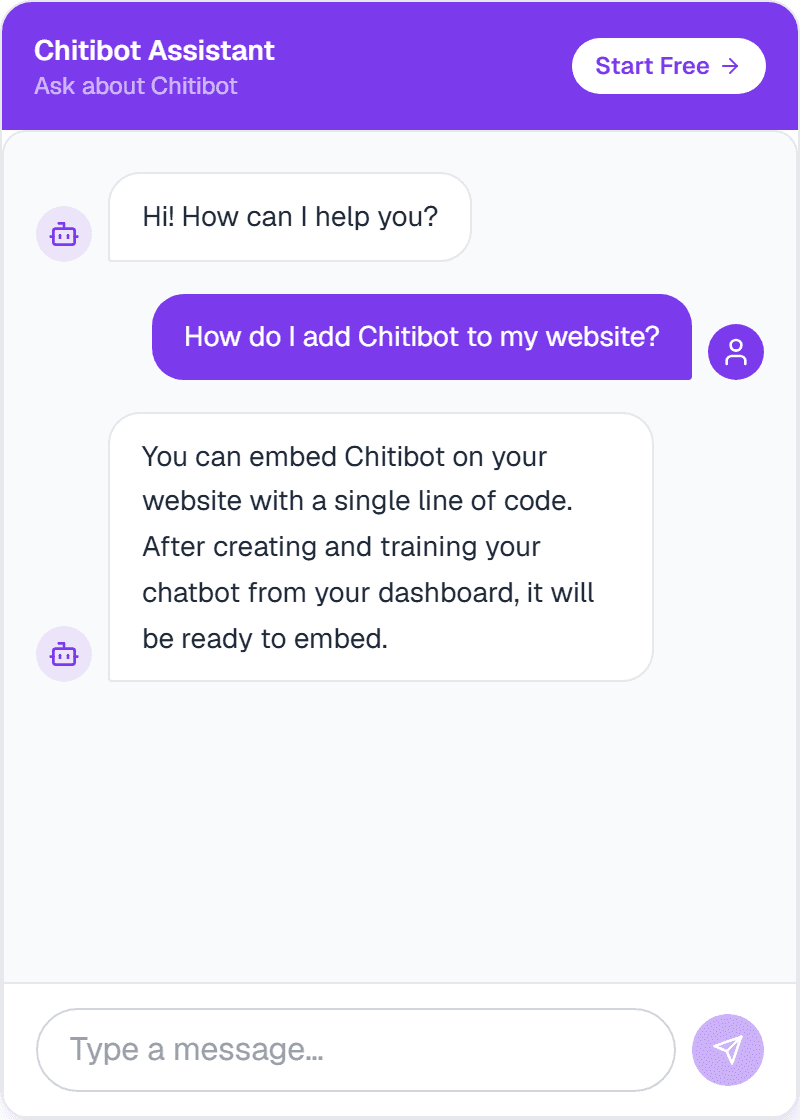
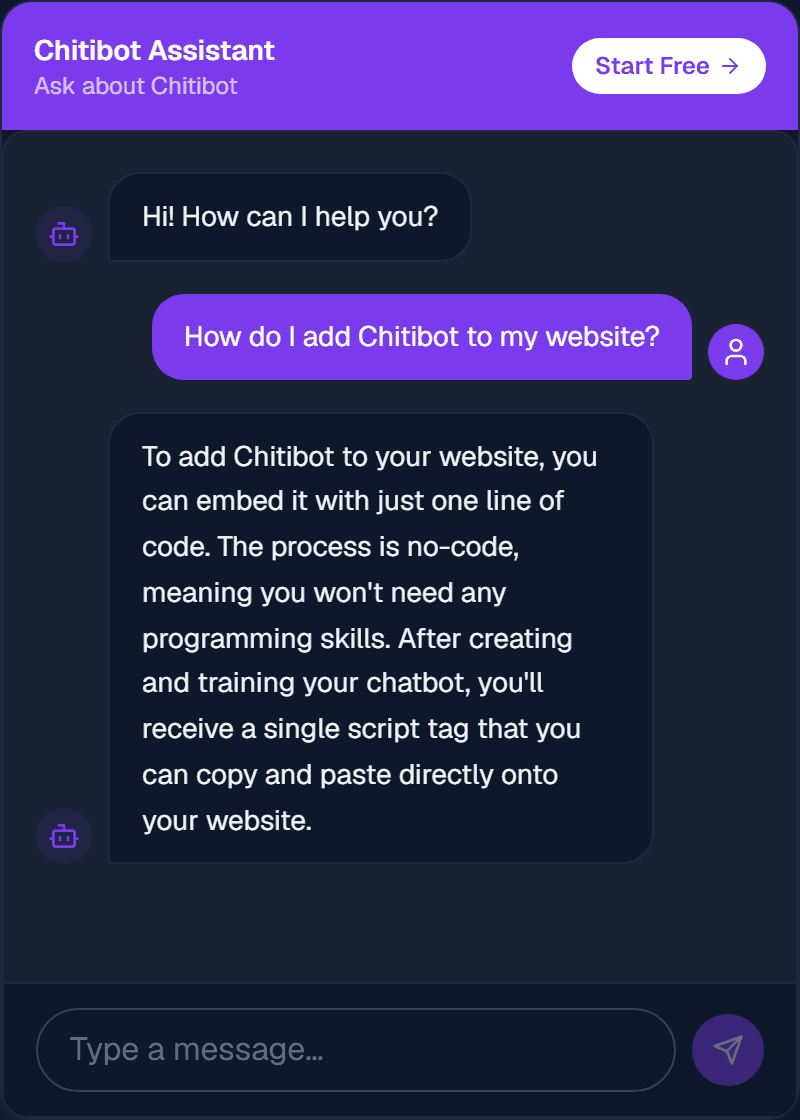
The Chitibot chat widget answering: How do I add Chitibot to my website?
A real answer from the Chitibot assistant on this site.

Why Chitibot

Most questions your customers ask are already answered on your website or in your documents. Chitibot reads that content and replies on your behalf, so your team can focus on the conversations that need a person.

Learns from what you already have.

Start with your website, your documents, or both. Chitibot answers from the content you give it, so replies stay specific to your business.

Your website

Add your website address and Chitibot reads your pages. A crawl covers up to 30 pages on Free, 100 on Pro and 300 on Business.

Visitors ask things like

  • Do you deliver on Sundays?
  • What are your opening hours?
  • How do I return an order?

Your documents

Upload PDF and DOCX files of up to 3 MB each, such as product guides, manuals and policies.

Answers from files like

Live on your website in three steps.

See all features
  1. Step 1

    Connect or upload

    Add your website address, or upload PDF and DOCX documents.

  2. Step 2

    Train

    Chitibot prepares your content in the background. You'll get a notification when your chatbot is ready.

  3. Step 3

    Embed

    Copy one line of code from your dashboard and paste it into your website.

Add it to your website with one line.

Copy the script tag from your dashboard and paste it into your site. The chat widget appears on every page.

  • Works on any site where you can add HTML.
  • Set your own greeting and brand color.
  • Remove Chitibot branding on the Pro plan.
index.html
<!-- Chitibot --><script src="https://chitibot.com/widget.js"        data-token="YOUR_EMBED_TOKEN"></script>

Start free. Upgrade when you need more.

Simple monthly plans in Indian rupees. Message allowances reset every month, and no credit card is needed to start.

Free

₹0/month

To try Chitibot

  • 1 chatbot
  • 1 document
  • 100 messages a month
  • Website crawl up to 30 pages

Pro

Recommended

₹699/month

For growing businesses

  • 5 chatbots
  • 15 documents
  • 5,000 messages a month
  • Website crawl up to 100 pages
  • Remove Chitibot branding

Business

Coming soon

₹1,999/month

  • 15 chatbots
  • 200 documents
  • 25,000 messages a month
  • Website crawl up to 300 pages

Questions, answered.

Still have a question? Contact us and we will help.

What is Chitibot?
Chitibot is a no-code tool for building AI chatbots. Connect your website or upload PDF and DOCX documents, and Chitibot creates a chatbot that answers your customers from that content. You add it to your website with one line of code.
What can I use as chatbot knowledge?
Your website content, and PDF and DOCX documents of up to 3 MB each. A website crawl reads up to 30 pages on Free, 100 on Pro and 300 on Business. Other file types, such as spreadsheets or plain text files, are not supported yet.
Can Chitibot answer questions in Tamil or Hindi?
Chitibot works best in English. Visitors can ask in other languages, such as Tamil or Hindi, and the assistant may reply in that language, but answer quality can vary by language. Test it with your own content before relying on it.
Is my data private?
Your chatbots and documents belong to your account, and we do not sell your personal information. To answer a question, relevant parts of your content are sent to an AI model provider to generate the reply. You can delete chatbots and documents from your dashboard at any time. Read the full Privacy Policy.
Can Chitibot collect leads from my website?
Yes, on every plan. Turn on lead capture for a chatbot, and when a visitor asks about pricing, a demo or being contacted, the chat offers a short form for their name, email and phone. Details are saved only if the visitor agrees. You get an email and a dashboard notification for each new lead, and you can manage and export leads from the Leads page.
What happens if the chatbot doesn't know an answer?
Chitibot answers from the content you give it. If the answer is not in your website or documents, it is designed to say it does not have that information rather than guess. Adding more content helps it answer more questions.
What happens when I reach my message limit?
Each plan includes a monthly message allowance: 100 messages on Free and 5,000 on Pro. You get a notification as you approach it. If you reach the limit, your chatbots stop replying until the allowance resets at the start of the next month, or until you upgrade.
Can I cancel my Pro subscription?
Yes, you can cancel anytime from the Billing page. Your subscription stops renewing, and you keep Pro until the end of the current paid billing period, then move to the Free plan. The current billing period is non-refundable and partial periods are not refunded. See the Cancellation & Refund Policy.

Stop answering the same questions every day.

Turn your website and documents into an AI assistant that helps your customers find answers.